Courses
The sampling of courses below show a variety of courses including courses developed for self-led eLearning (in Articulate Storyline), instructor-led remote training (LMS supported corporate), face-to-face corporate training (PowerPoint-based), and instructor-led training (LMS supported academia). The bulk of my work history includes proprietary customer, technical, product, new hire orientation, and marketing training and job aids for internal use. These are not shown for reasons of confidentiality and special purpose use.
University Faculty Development - Strategies for Learner Engagement with Optional Certification

This course was developed in response to faculty requests for help with increasing learner engagement, exploring new ideas and professional development opportunities. This course was designed for maximum flexibility in modality and choice. Furthermore, this course demonstrates a variety of instructional techniques and content types throughout. Finally, this program was an opportunity to issue competency-based micro-credentials. More Information.
Storyline eLearning Module with Interactive Video Simulations: Using OneNote with Outlook
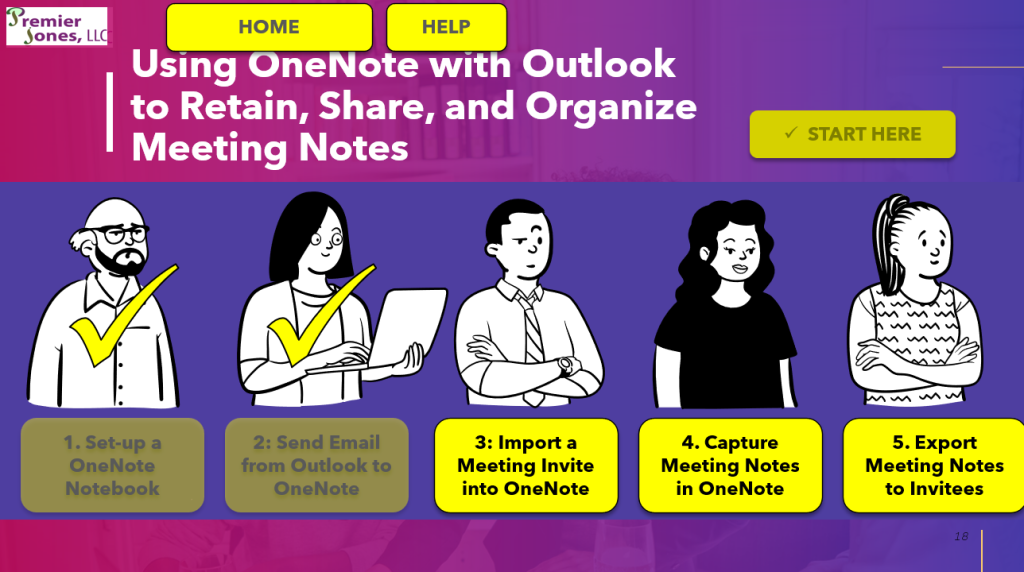
The purpose of this eLearning course is to teach professionals how to use OneNote, a free digital notetaking tool by Microsoft, with Outlook to improve workday productivity.
This eLearning module is designed to get users up and running quickly.
- It covers only the topics needed to get users up to speed maximizing the benefit to those that need them most! It reduces the >1 hour course on LinkedIn Learning on OneNote, to a 30 minute Articulate Storyline module.
- Furthermore, rather than focusing on software features, it is designed to achieve specific work-related outcomes.
- It uses realistic scenarios and with the popular tool Outlook to help learners to connect with the subject matter and the reasons to learn it.
- To help make training fast and effective, it uses screencast simulations to demonstrate the features and interactive video assessments to allow hands-on practice.
- Modules are freely navigated to help learners skip to only what they need to know – great for experienced users and for refresher training.
This eLearning tool is a Storyline training module for on-demand learning. It consists of 5 lessons. And, it is designed to be completed in 30 minutes or less.
- Responsibilities: Instructional Design, Multimedia and Interactive Content (audio, video, podcasts, animated gifs, infographics), Interactions, Content
- Target Audience: Any professional; particularly well suited for commercial business leaders in product management, strategic marketing, business development, and sales
- Tools Used: H5P, Adobe Aftereffects, Adobe Premiere Pro, Adobe Illustrator, Adobe Audition, Adobe Photoshop, Adobe Character, 3D Animation Software, Tech Smith Camtasia, Zoom, WordPress
The project was designed through the following next:
- Discovery – Plase 1
- Discovery – Phase 2
- UI Design
- Storyboard
- Prototype (shown at left, current phase)
- Final Product
This eLearning module structure is particularly well suited for the following circumstances:
- Software adoption where the goal is to use the software to achieve a specific purpose like raising the bar on expectations, encouraging employees to think differently, or showing employees that you care by helping them to get more accomplished with less effort (i.e., to avoid mindsets like “the flavor of the month”, “red-tape”)
- The use of interactive video assessments can be applied in any situation where professionals need to be able to think through how to do something new or differently.
- The use of the Try and Do framework can also be applied in situations where learners need to be trained on skills like maintenance tasks, safety training, equipment operation, or product use training for customers.
Instructor-Led, Remote Training Course Example: Using an Action Oriented SWOT
Preview:
USER ID testuser, password premierjonestester.
This instructor-lead remote training course provides guidance on how to generate strategic options using an Action Oriented SWOT analysis.
To have maximum impact within a few short weeks, this course is built based on the following:
- Scaffolded course content
- Highly interactive learning environment
- Authentic, hands-on learning
- High cognitive level attainment
An in-demand skill is for functional leaders to be more strategic. This course is designed to scaffold to prior knowledge of SWOT analysis to help learns to develop improved thinking skills in a manner that will have an immediate and significant impact.
- Responsibilities: Instructional Design, Content, LMS set-up
- Target Audience: Commercial business leaders in product management, strategic marketing, business development, and sales
- Tools Used: Microsoft Word, Excel, PowerPoint, Canvas LMS, Blackboard LMS, Talent LMS, LearnDash LMS
| Lesson Number and Title | Learning Objectives | Learner-content interaction (media/activities) | Learner-learner interaction (activities) | Formative or summative assessment |
| Lesson 1. What is an Action Oriented SWOT? | After completing this lesson, you will be able to do the following: Describe what an Action Oriented SWOT Analysis is. Characterize the differences between an Action Oriented SWOT and a traditional SWOT Analysis. Explain what makes a strategy actionable. | eBook: Lesson 1. Action Oriented SWOTs, the Best Tool You’ve (Probably) Never Heard of Video: Lesson 1: FAQ Infographic: Comparison of SWOT vs Action Oriented SWOT (In-Depth) | Discussion Question Lesson 1: Introductions. Lesson 1: SWOT Experience Discussion | Preliminary Assessment Test 1: Foundations Lesson 1 Test: Foundations |

Potential Adaptations for Instructors based on learner’s needs
Lesson 1 – If the preliminary assessment reveals that learners are unfamiliar with the traditional SWOT analysis, consider spending more time on the SWOT analysis in the first sync session.
Lesson 2 – If the preliminary assessment reveals that learners are unfamiliar with the traditional SWOT analysis, encourage beginners to review recommended content in the textbook.
Lesson 3 – Be sure that learners thoroughly vet the SWOT analysis submissions of other groups in the discussion posts. This will help learners to benefit from the experiences of others.
The use of formative assessments is optional. If used, this contributes to the ability of HR to establish job expectations and job-based training requirements.Modular, Scenario Based Software Training in PowerPoint: Innovation Management Platform
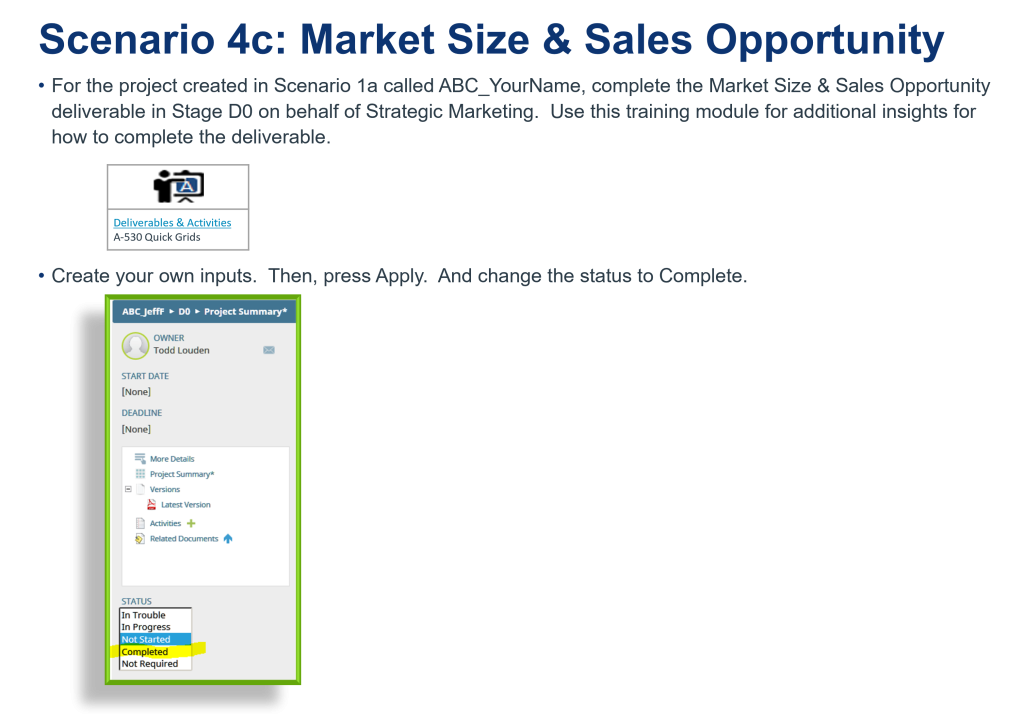
Modular, scenario based software training in support of the rollout of a new innovation management software program.
Due to the approach taken with this training, learners were highlight engaged and elevated their learning to the decision making level – during the hands on session! Here are the highlights:
- Replacing informational presentations with discussion and debate
- Applying strategic scheduling
- Hands-on scenario-based software training based on role deliverables
- Differentiated learning experiences
- Training leaders in a small and focused group (An unexpected benefit is that this preparation helped them to shine when they rejoined the larger team.)
I had planned to coach them to higher level questions, but they beat me to it! This highly engaged group of learners anticipated what challenges they would face and began working through potential issues during training! This far exceeded my expectations.
- This training course contains features a role-based learning path so that each learner only receives the information out of necessity. This helps to ensure the shortest possible training time and the best retention.
- This training course was also built based on common on the job scenarios. This is geared towards ensuring that they are ready to generate deliverables as soon as innovation projects are needed and ready.
- The content contains several scaffolding points to help orient the reader to the material for better retention. For example, the coverage of what’s new, what hasn’t changed, and what they will need to work through proved to be an excellent way to getting users to not only use the software but also to think beyond the training to how to localize the implementation within their teams.
This training was built to support a corporate training initiative aimed at speeding product development timelines and improving reporting.
- Responsibilities: SME, Learning Path development, Instructional Design, Content
- Target Audience: Commercial business leaders in product management, strategic marketing, business development, and sales
- Tools Used: Microsoft PowerPoint
Training Agenda
Part 1 – Welcome to Training- Purpose & Scope of Training
- Check access to Computer, Training Materials, and Software
- Resolve Set-up Issues, Questions, and Concerns
- Digital Transformation & Scope
- What’s Not New
- 3D Process Models
- 3D Home Page – Training Documents & Links (2010+)
- What’s New
- Accolade
- Clarizen Integration
- 3D Updates (RACI & other)
- Getting Started
- Training by Role
Blackboard Lesson: Differentiated Learning with Choice Boards & Learning Menus

The purpose of this lesson was to teaching a class of Instructional Designers about the use of choice boards and learning menus to promote learner choice and student agency.
Differentiation means tailoring instruction to meet individual needs. The purpose of this lesson is to teach instructional designers how to use Choice Boards and Learning Menus to promote differentiated learning.
- Responsibilities: Instructional Design
- Target Audience: Instructional Designers
- Tools Used: Blackboard, VoiceThread (for video introduction)
- Delivery Method: Asynchronous cohort using Blackboard
- Duration: Completed within 3 hours during 1 week
This course was developed by a team of instructional designers for a cohort of instruction designers.
- The design phase consisted of the development of the proposal by a team of designers.
- The course was then built in Blackboard and implemented by learners.
- Learners participated by creating choice boards and responding to reflection questions.
- This was then followed by obtaining feedback to learn about the learners’ experiences with the course.
The course made a very good impression on the learners who took this course. Based on feedback, each developed an understanding of choice boards, the realities of creating one, and the benefits of having learners create one.
|
Introduction to Choice Boards: |
|||
|
How to Create a Choice Board |
Templates/Ideas for Creating a Choice Board |
Tools for Creating a Choice Board |
Application in Different Sectors |
|
Higher Education: |
|||
|
Example: Setting of the Story Learning Menu |
|||
